 We seek to develop our services to you through our new website.

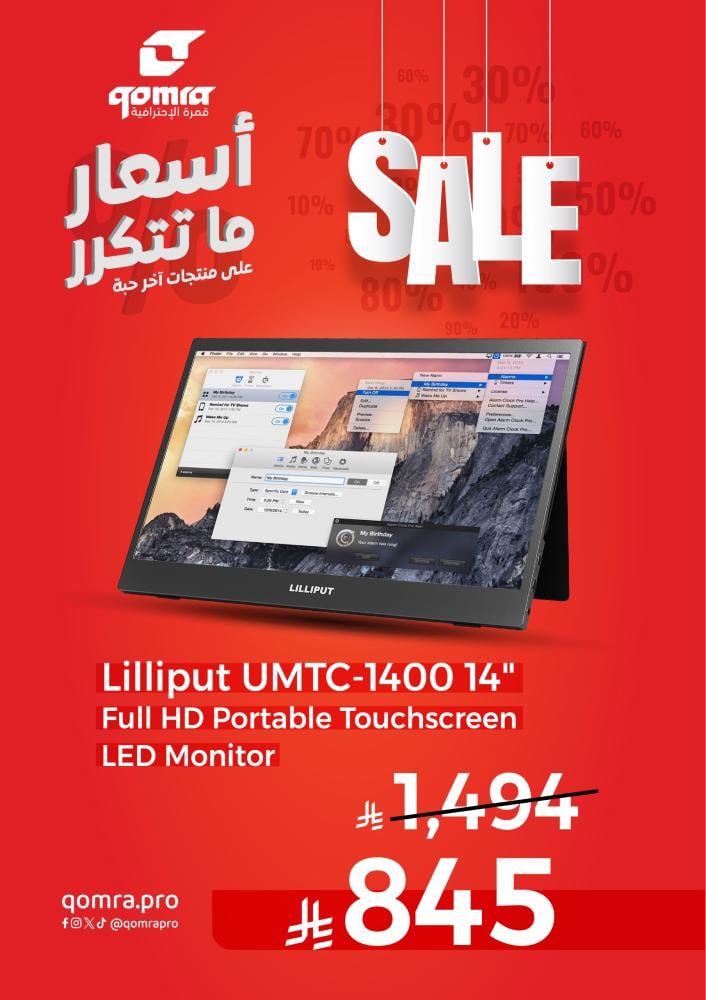
- The UMTC-1400 is a fast-deployment screen useful in any number of use cases.
- It has the dual capability to work with HDMI inputs and also with USB-C inputs from mobile devices.
- This gives it leverage for being usable in a variety of situations - from the car to the office - even for use as a second display for major video game consoles such as the PS4, Nintendo Switch, and Xbox One.
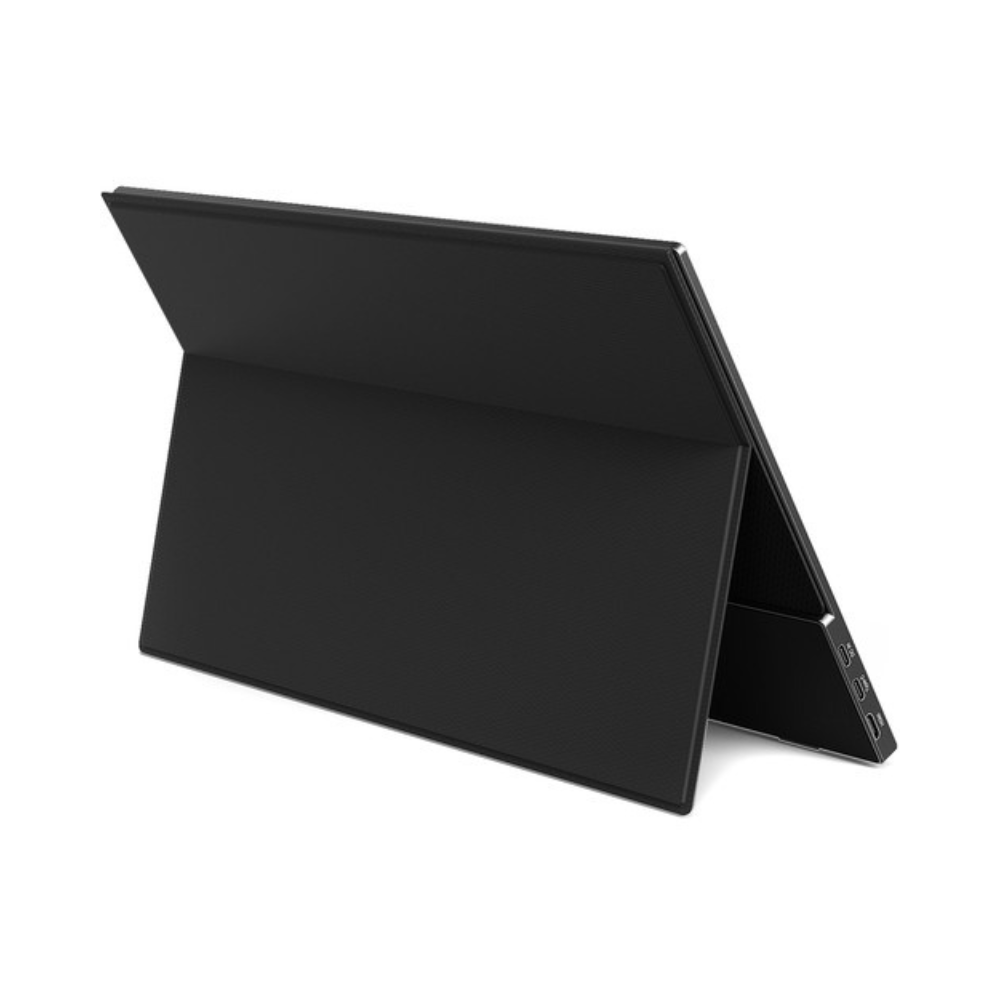
- The UMTC-1400 has a unique set of connectivity options.
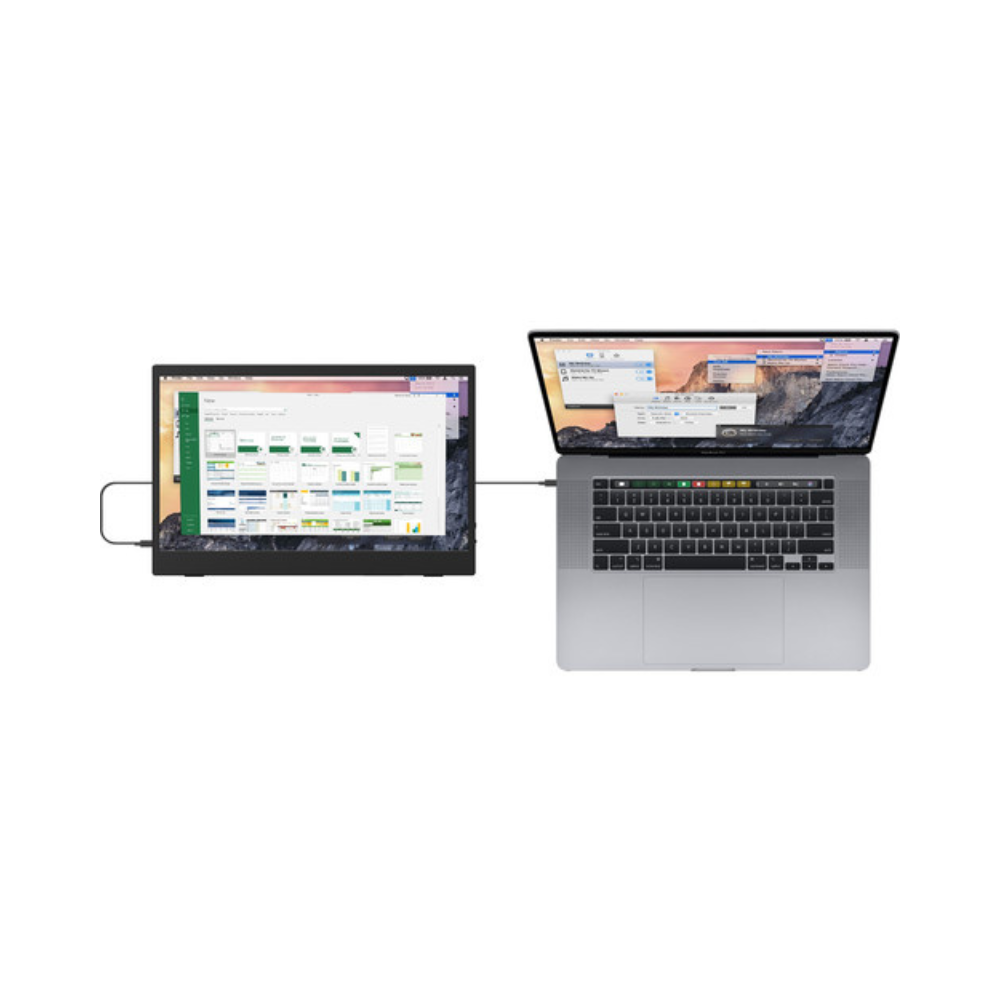
- You can either power this monitor like a standard monitor - by connecting it to a mains power cable and connecting an HDMI cable for video input, or - if your device supports it - you can connect the monitor to a USB-C port, which will draw both power and video from this set of sources.
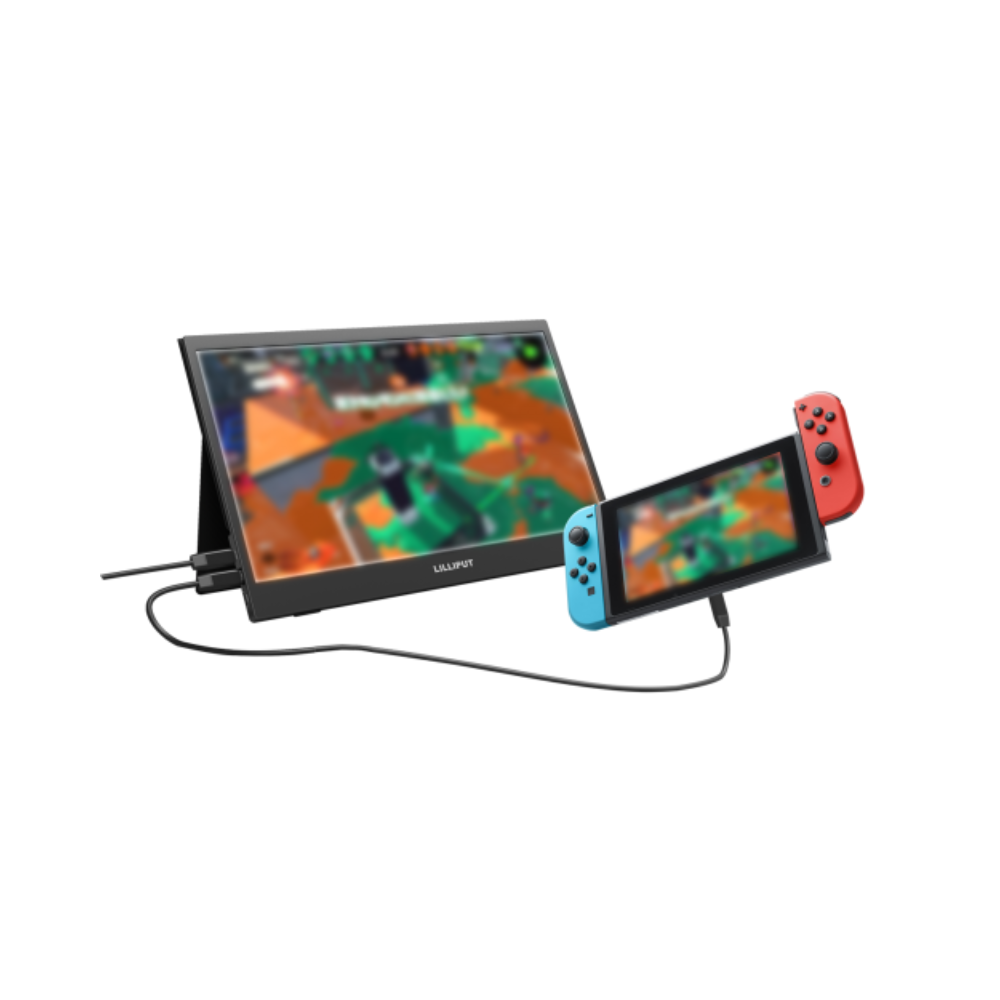
- Gaming is a must with this monitor! The HDMI port lets you connect the monitor to any HDMI source - and in the case of smaller controllers and phones - you can connect them directly to the monitor via USB-C.
- A great idea when you need extra display space or a more visible target container to break up a newbie or two!

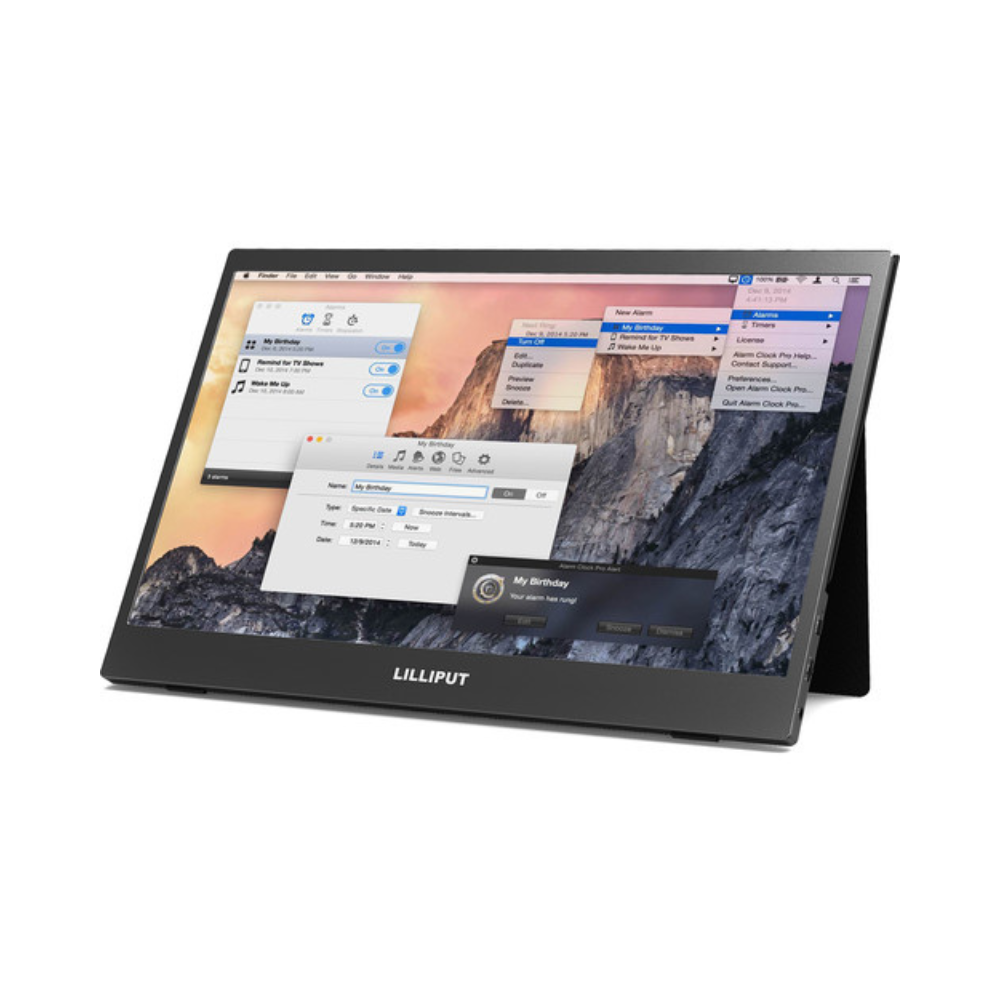
Click on the image to enlarge it

Authorized Dealer
Click here for more LilliputLilliput UMTC-1400 14" Full HD Portable Touchscreen LED Monitor
Official Qomra Warranty
Remained
1
Secure Shopping, Your Data is Always Protected
- The UMTC-1400 is a fast-deployment screen useful in any number of use cases.
- It has the dual capability to work with HDMI inputs and also with USB-C inputs from mobile devices.
- This gives it leverage for being usable in a variety of situations - from the car to the office - even for use as a second display for major video game consoles such as the PS4, Nintendo Switch, and Xbox One.
- The UMTC-1400 has a unique set of connectivity options.
- You can either power this monitor like a standard monitor - by connecting it to a mains power cable and connecting an HDMI cable for video input, or - if your device supports it - you can connect the monitor to a USB-C port, which will draw both power and video from this set of sources.
- Gaming is a must with this monitor! The HDMI port lets you connect the monitor to any HDMI source - and in the case of smaller controllers and phones - you can connect them directly to the monitor via USB-C.
- A great idea when you need extra display space or a more visible target container to break up a newbie or two!
See more View less